Lab scores
Why your Lighthouse score changes when you did nothing
One lucky run is not a verdict. Three quiet runs show how far the page already moves before you celebrate a fix.
If you ship websites for a living, you have seen this.
You change one thing on a page. You open Chrome, run Lighthouse, and the performance score goes up a few points. You take a screenshot. You tell the team the fix worked.
Later the same day you run the same URL again. No new deploy. The score drops. Sometimes it drops below where you started.
That is not you failing at your job. Lab scores move even when the code does not. CPU load, network jitter, third party tags, and plain luck all show up in a single run. One number is a sample. It is not a verdict.
This article gives you a short, repeatable way to read that movement so you stop celebrating noise. By the end you will know:
- why a quiet page can still swing several points
- how to measure that swing in Chrome in about fifteen minutes
- when a “fix” is real enough to put in a pull request
- how to talk about wins without overselling the score
Chrome DevTools is enough for every step. I also built a free three run check at pafcore.site when you want that quiet gap without running Lighthouse by hand. The habit below is the same either way.
Why the number moves
Lighthouse loads your page in a controlled browser with throttling. That setup is useful because it is harsh and repeatable enough to compare days. It is not a perfect copy of every visitor.
Small differences stack up:
- the machine was busier on one run
- a third party script answered slower
- an image raced and won or lost the “largest content” slot
- the score itself sits on a curve, so the same time change is worth different points at different speeds
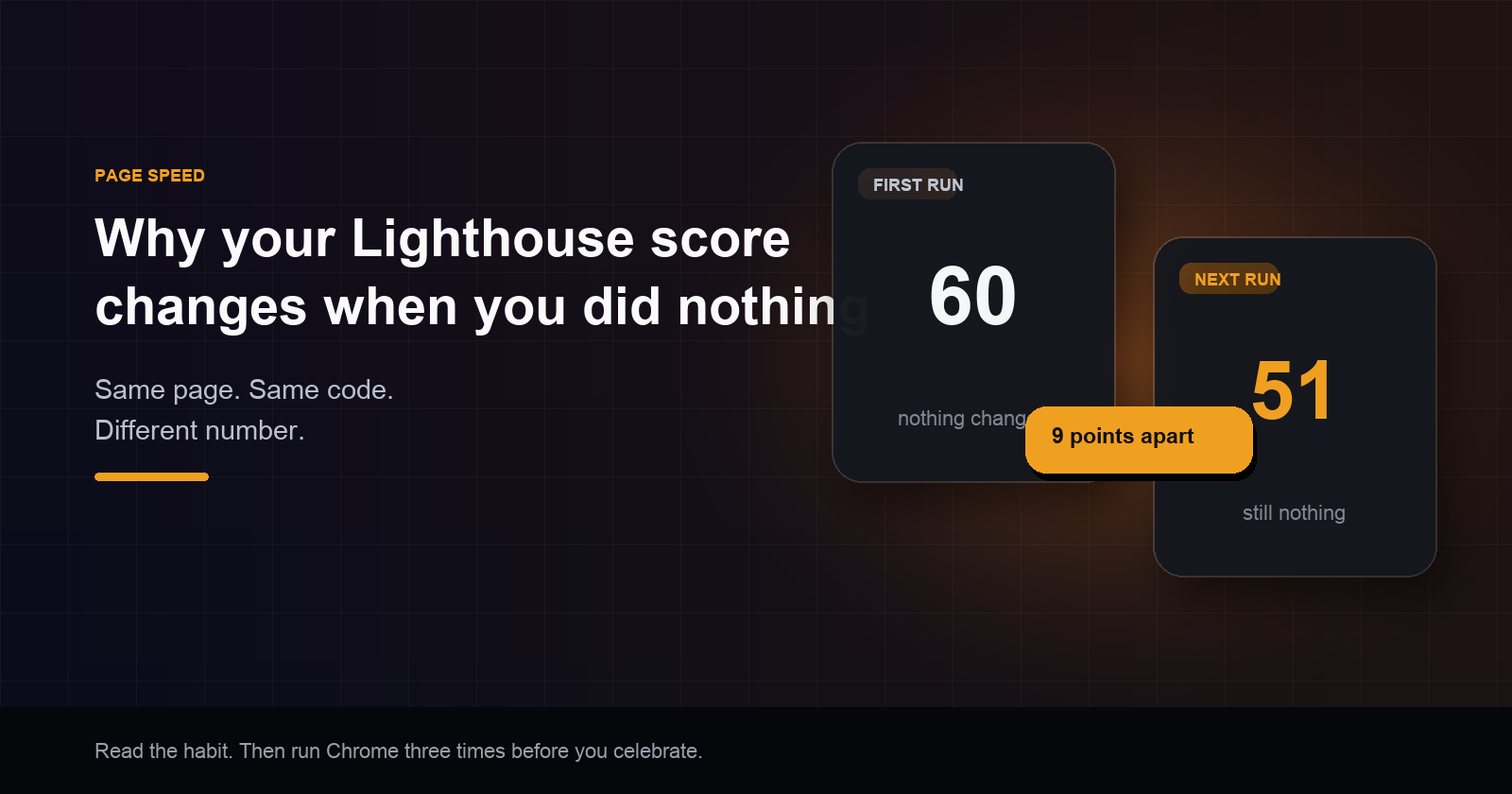
So two runs of an untouched page can land far apart. I have seen a public site score 60, then 51, then 57 with nothing deployed in between. Nine points of weather.
If you only look at the first run after a deploy, you will misread luck as skill.
What you will set up
You need:
- Chrome
- the live URL (or a stable preview URL)
- a note app or the PR description
- the same Lighthouse mode every time (mobile or desktop). Pick one and keep it
Turn extensions off, or use a clean window. Do not scroll or click while the audit runs.
Step 1. Measure a quiet page
Run Lighthouse three times on the same URL. Do not deploy between runs. Write down the three performance scores.
Find the highest and the lowest. Subtract. That gap is how far this page already moves when you change nothing.
Example:
| Run | Score |
|---|---|
| 1 | 60 |
| 2 | 51 |
| 3 | 57 |
Gap: 9 points.
Some pages only move two or three points. Some move more. You cannot guess your gap. You measure it once per important page (home, pricing, checkout) and you refresh it when the page shape changes a lot.
Doing those three quiet runs by hand is boring, which is why people skip it. I got tired of skipping it on client work, so I built a free report at pafcore.site that loads the page three times and shows how far the score moves on its own. Use Chrome if you want full control. Use that report if you want the quiet gap filled in for you. Either way, the idea is the same: learn the swing before you celebrate.
Step 2. Ship the change, then measure again
Deploy your fix. Run Lighthouse three more times with the same settings.
Sort each set of three scores and take the middle one. Compare middle after to middle before.
- Clear win: the middle score rose by more than the quiet gap.
- Not clear yet: the rise is smaller than the gap.
- No win: the middle score did not rise, or it fell.
A four point bump on a page with a nine point quiet gap is not a story. It is still inside the swing you already saw.
The quiet gap is a brake on fake screenshots. It is not a perfect stats test. Fake “clear wins” can still show up by luck, and small real wins often land on “not clear yet.” When the page matters, run more than three times.
Step 3. Write the slow thing in seconds
The score is curved. A real wait can get better while the grade barely moves, especially on a slow page.
In the same note, track the metric you meant to fix:
| Before (middle of 3) | After (middle of 3) | |
|---|---|---|
| Performance score | 56 | 60 |
| Biggest picture time | 4.8s | 3.1s |
Now you can say something honest: visitors should feel a clearer first picture, and the score is still noisy. That is better than claiming “we gained four points” when those four points never cleared the quiet gap.
If both the score and the target time sit inside the quiet swing, do not call it a performance win. Keep the change if the code is cleaner. Leave the victory lap for later.
Step 4. Do not drown in the tip list
Lighthouse will hand you a long list of opportunities. Most rows are not direct score inputs. The grade comes from a small set of lab metrics (largest content paint, blocking time, layout shift, first content paint, speed index, and similar). Tips about unused script or cache headers can still help people. They only raise the grade if they improve one of those metrics.
Before you put a tip on the sprint board, answer out loud:
“If this works, which score metric gets better?”
No answer means cleanup. Cleanup is fine. Cleanup is not a score promise.
If two tips are the same heavy image with two labels, fix the image once. Do not add imaginary points from both rows.
Step 5. Put numbers in the pull request
Paste something like this so review stays calm:
Lighthouse, same mode, three runs before and three after.
Quiet gap (max minus min, no deploy):
Middle score before:
Middle score after:
Target wait before / after:
Clear win? yes / not sure / no
One screenshot of a lucky run starts arguments. This block ends most of them.
What you get from this habit
After you use this a few times you will:
- Stop treating a single Lighthouse score as proof.
- Know your page’s quiet gap, so small bumps stop wasting the team’s week.
- Separate “score went up” from “the wait got better,” and report both.
- Pick tip list work that maps to a real metric, instead of boiling the ocean.
- Leave a PR trail other people can trust.
That is the value. Not a new theory. A filter for what you already run.
Conclusion
Your Lighthouse score changes when you did nothing because a lab run is noisy. That is expected.
Measure three quiet runs. Learn the gap. Only call a fix a win when the new middle score beats that gap, and check the wait in seconds too. Treat the long tip list as optional until it names a metric you can move.
Do this on your important pages once, then again after real releases. You will ship fewer fake wins and sleep better after you post the screenshot.
I built pafcore.site for the days when I did not want to babysit six Lighthouse runs myself. Paste a public URL, get the three run spread, see what to try first by points, and keep the habit from this article either way. Chrome alone still works. The site is there when you want the quiet check done in one pass.
Try the three run check
Paste a public site. Free report. See how far the score moves on its own, then what to fix first.
Check my site